Snapshot the state of an Archil disk and fork independent, writable copies from any snapshot.
Branches and checkpoints are generally available in all AWS regions. They are available only on disks that are not synchronized to a data source — a disk can either synchronize to a data source (such as Amazon S3) or support branches and checkpoints, not both.
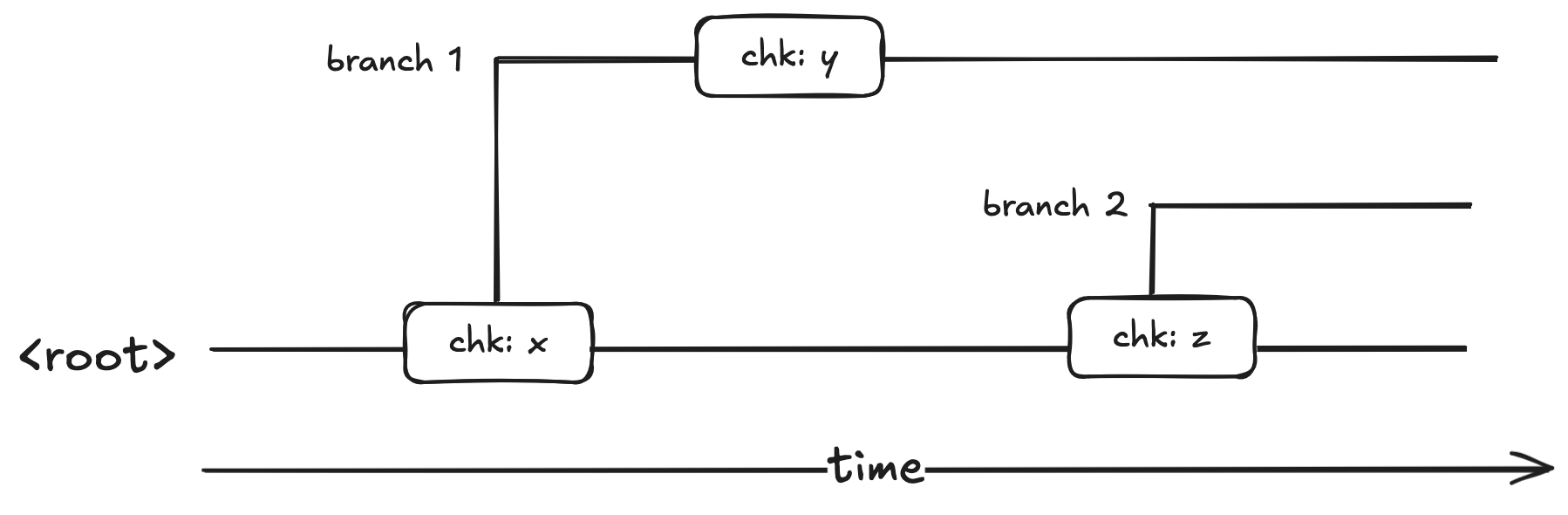
Branches and checkpoints let you capture the state of an Archil disk at a moment in time and then explore alternative histories without disturbing the original.A checkpoint is a named, point-in-time snapshot of the filesystem state on a disk. The filesystem state a checkpoint references is immutable.A branch is an independent, writable fork of a disk that starts from a specific checkpoint. Writes on a branch don’t affect the source branch.Branches form a tree. Every branch points back to the checkpoint on its parent it was forked from. Checkpoints, in turn, always belong to a specific branch (or to the root).
If you’re familiar with Git, Archil branches and checkpoints map fairly directly to Git branches and Git commits respectively.
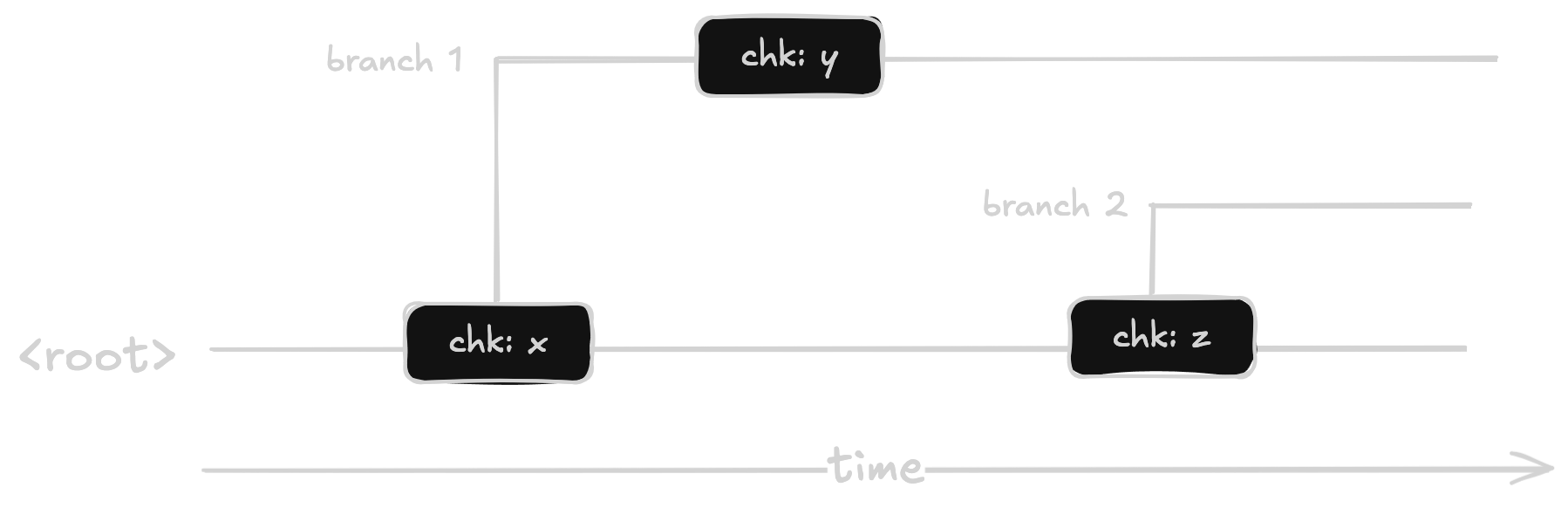
For example:Here, the root has two checkpoints: x and z. Branch 1 was forked from x and branch 2 was forked from z. Any mutations to the filesystem state on the root after x would not appear in branch 1 and vice versa.
Checkpoints are taken from a mounted disk and capture the filesystem state at the time the command runs:
# Mount the disk, then take a checkpointsudo archil mount myorg/mydisk /mnt/archil --region aws-us-east-1archil checkpoints create /mnt/archil pre-migration
Checkpoint names must be unique within the branch they’re taken on. Once created, the state a checkpoint points to never changes.To see the checkpoints available on a disk:
# Checkpoints on the rootarchil checkpoints list dsk-0123456789abcdef --region aws-us-east-1# Checkpoints on a specific brancharchil checkpoints list dsk-0123456789abcdef --region aws-us-east-1 --branch experiment-1
The list is rendered oldest-first, so the most recent checkpoint appears at the bottom.
Create a branch by naming the checkpoint you want it to fork from.
# Branch from a checkpoint on the rootarchil branches --region aws-us-east-1 create dsk-0123456789abcdef experiment-1 \ --from-checkpoint pre-migration# Branch from a checkpoint that lives on another brancharchil branches --region aws-us-east-1 create dsk-0123456789abcdef experiment-2 \ --from-checkpoint v1 --from-branch experiment-1
To use a branch, mount it with --branch:
sudo archil mount myorg/mydisk /mnt/branch --region aws-us-east-1 --branch experiment-1
A mounted branch behaves exactly like any other Archil disk. You can read, write, take additional checkpoints from it, and create further branches off of those checkpoints. Writes to a branch are isolated from its parent and from any sibling branches.Because each branch is fully independent, it can be mounted on any client — including a different VM from the one using its parent — and two branches of the same disk can be mounted on separate VMs at the same time. This makes branches a natural fit for fan-out workloads such as giving each agent or CI job its own writable fork.
A branch is not a security boundary. Credentials are scoped to the entire disk, including all of its branches and checkpoints — anyone who can mount the disk can access every branch and checkpoint on it. To isolate untrusted workloads from each other (for example, one agent or tenant per fork), give each its own disk rather than relying on branches. See Disk Users.